CRM recipes
Send the records of your CRM to LettrLabs with a webhook or with Zapier.
Overview
A CRM recipe tells you how to send the records of one CRM to LettrLabs, so that LettrLabs mails them. Use a recipe when your CRM has no native integration in LettrLabs.
Each recipe gives the steps in your CRM. The steps in LettrLabs are the same for each CRM, and the webhook pages give them.
You can use a recipe to:
- Mail a customer when your CRM marks a deal won or a job complete.
- Mail the neighbors of each job that your CRM records.
- Mail each new lead or donor that your CRM records.
Choose a webhook or Zapier
A CRM sends records to LettrLabs in one of two ways.
| Way | How it works | Choose it when |
|---|---|---|
| A webhook | Your CRM sends each record to a LettrLabs webhook URL. | Your CRM can send a JSON request with a custom header. You want one less tool. |
| Zapier | A Zap reads your CRM and sends each record to LettrLabs. | Your CRM is in Zapier, and it cannot send a webhook. |
The table lists the ways that each CRM supports.
| CRM | Webhook | Zapier |
|---|---|---|
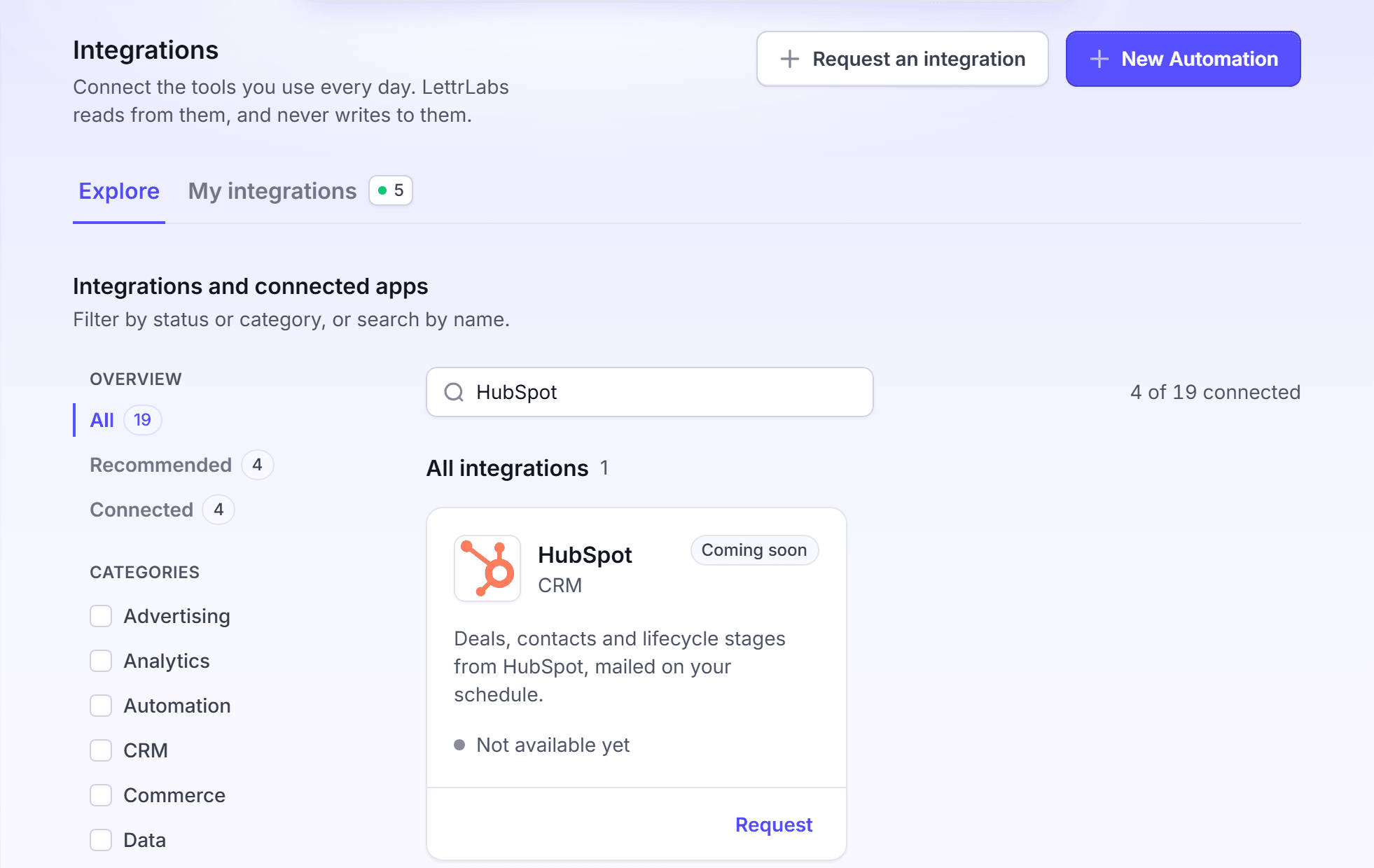
| HubSpot | Yes | Yes |
| JobNimbus | Yes | Yes |
| GoHighLevel | Yes | Yes |
| Housecall Pro | On the Housecall Pro MAX plan | Yes |
| Pipedrive | Yes, with an automated webhook | Yes |
| monday.com | Yes | Yes |
| WeGive | Yes | Yes |
| RoofLink | Yes | No |
| Fundraise Up | Yes, with no API key | Yes |
| Zoho CRM | No | Yes |
The LettrLabs part of each recipe
Do these steps in LettrLabs for each recipe that uses a webhook.
Create a webhook, and copy its URL. See Set up a webhook.
Turn on the API key toggle, and create a key for your CRM. Your CRM sends the key in the X-API-KEY header.
Do the steps of the recipe in your CRM. Then send one test record.
Open the History tab of the Inbound webhooks page, and check that the test record arrived. See Webhook history.
Make the campaign that mails each record. See Mail to recipients or Radius Mail.
Set the webhook to Active.
For a recipe that uses Zapier, see Zapier for the LettrLabs part.
What a CRM must send
LettrLabs reads a JSON body. A record must hold an address: a full address, or a street address with the city, the state and the ZIP code. See What the webhook accepts.
A webhook that asks for an API key refuses a record with no X-API-KEY header. A webhook can also ask for a signature. LettrLabs reads the signature from the X-Signature-256, X-Hub-Signature-256, X-Signature or X-Hub-Signature header. LettrLabs checks only a signature made with a secret that LettrLabs gave you.
FAQ
Related
Set up a webhook
Create the URL that your CRM sends to.
Zapier
Connect Zapier to LettrLabs.
Native integrations
The integrations that LettrLabs reads for you.
Steps checked 2026-11-10.