Playbooks
Start a campaign from a ready-made LettrLabs playbook or a playbook shared with you.
Overview
A playbook is a ready-made campaign that fills Send Mail for you, so you finish a campaign in fewer steps. LettrLabs playbooks give a proven rule for your trade, such as "mail roofs after hail of one inch". Partner playbooks are full campaigns that a partner program sets up and shares with your account.
You can use playbooks to:
- Find the LettrLabs playbooks that fit the industries you serve.
- Start an automated campaign from a playbook, and change its rule.
- Launch a partner playbook that your partner program shares with you.
- Keep the values that a playbook locks, and set the rest yourself.
Start an automated campaign from a playbook
Do this when you want a proven rule for your trade, and do not want to build the rule yourself.
In the left navigation, click Send Mail.
Under Campaign Type, click Automated Campaign.
Under How Do You Want to Build This?, click Start from a Playbook.
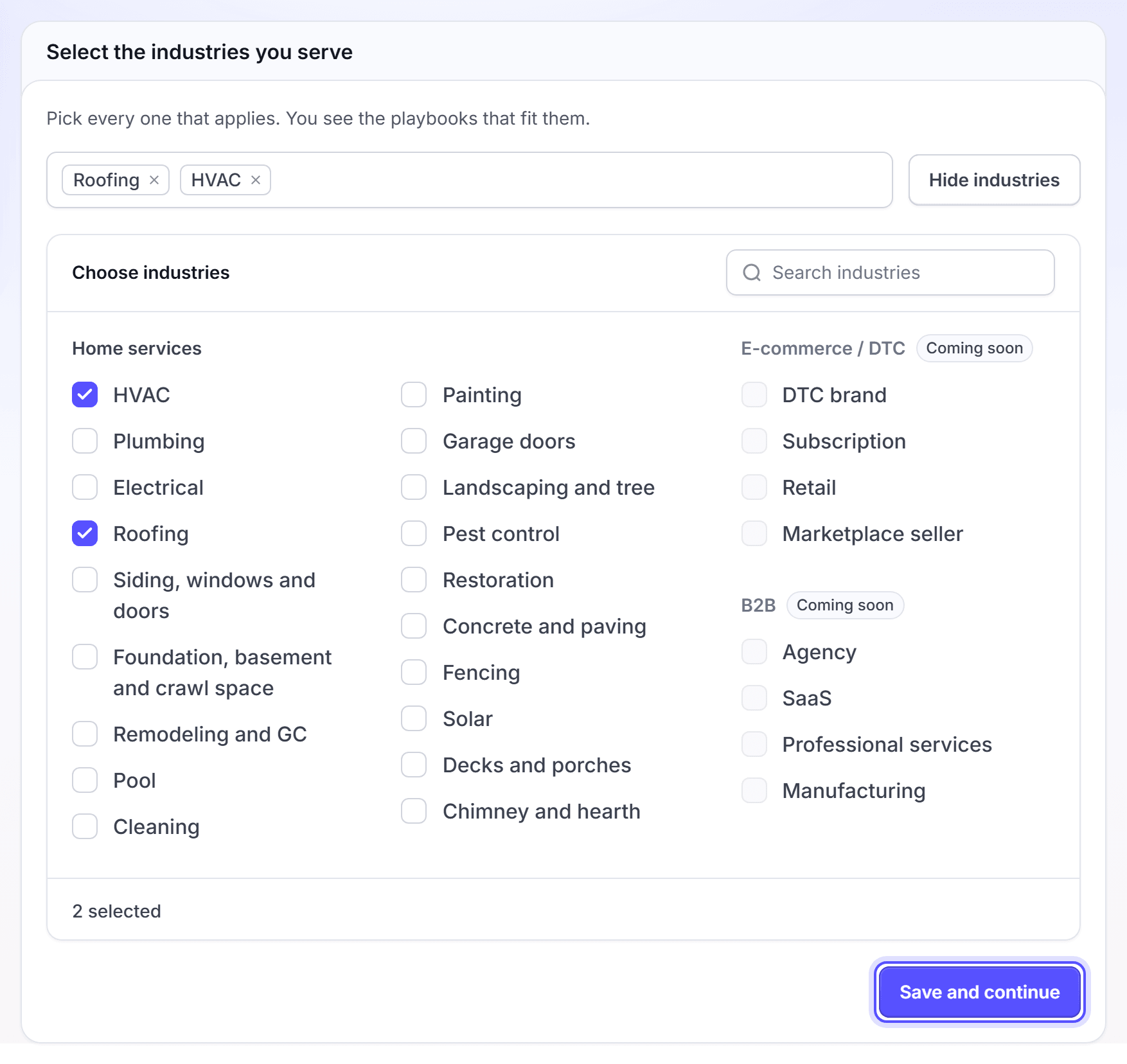
In Select the industries you serve, click each industry that applies. When the list is closed, click Choose industries to open it. Then click Save and continue.
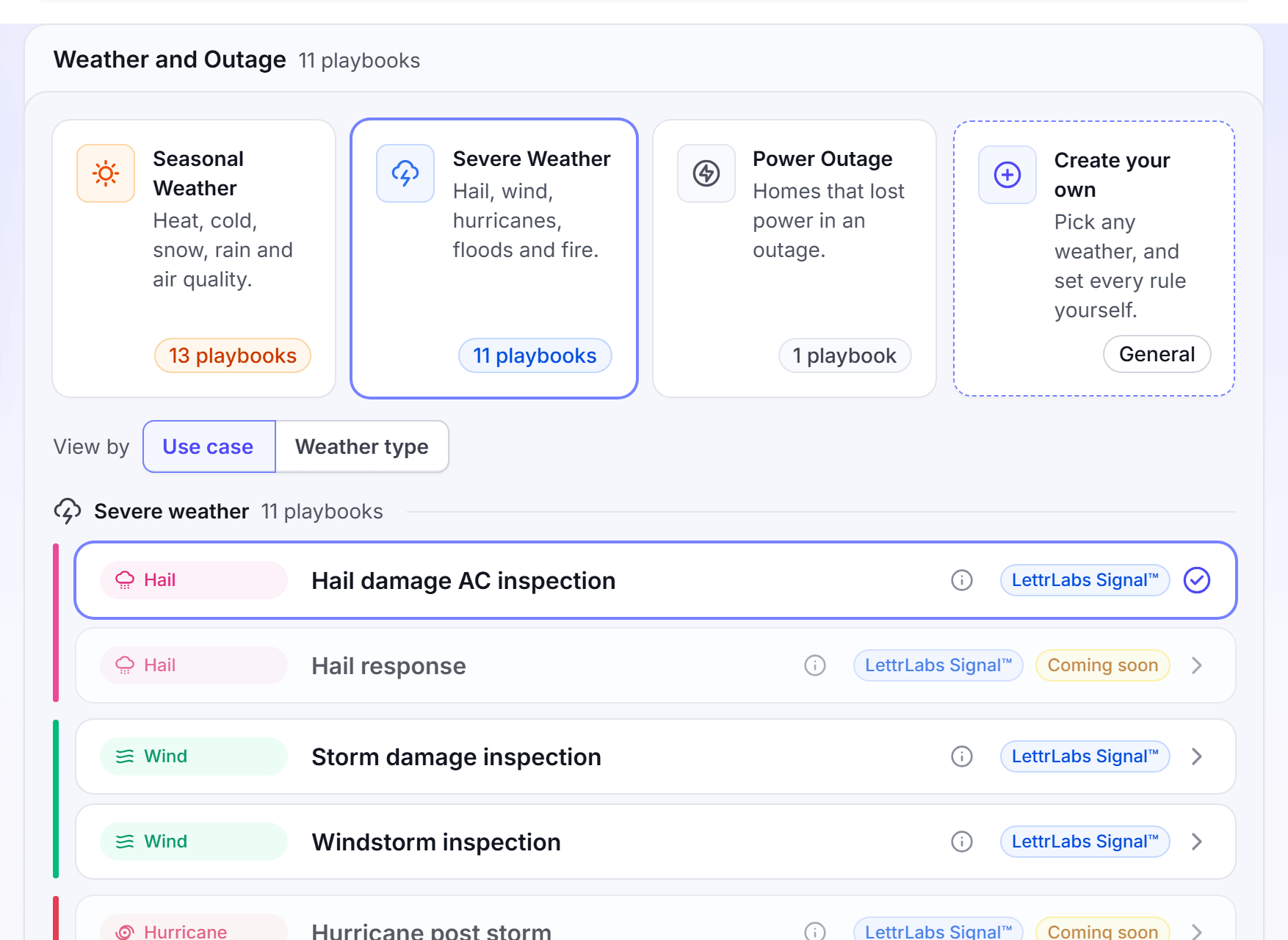
Under What Triggers This Campaign?, click a category, such as Weather and Outage.
In the list, click a playbook. The row of the playbook shows as selected.
Click Next. Send Mail fills the source and the rule of the playbook.
On the Audience step, change any value of the rule.
Finish the Creative, Measurement and Budget steps, then click Turn it on.
The categories under What Triggers This Campaign? are Weather and Outage, Property Signal, Competitor Targeting, New Owner or Renter and My Integration. Until you pick a category, no playbook shows. A playbook marked "Coming soon" shows in the list, but you cannot pick it.
Property Signal opens more groups: End of Life, Missing, Obsolete System, Preventative Maintenance and Follow-on Work. Follow-on Work mails a home after another trade finished a project there. Competitor Targeting holds the Open Permits group, for homes where a competitor pulled a permit.
To see every playbook, click See all playbooks in the industries panel with no industry selected. To change the industries later, click the industries button above the list.
On a one-time send, Start from a Playbook is coming soon. Use Build a Custom Campaign for a one-time campaign.
You're done when the message "Your automation is on" shows. To change the playbook later, open the campaign. Click Actions, then click Edit.
Explore the LettrLabs playbooks
Do this to browse every LettrLabs playbook before you start a campaign.
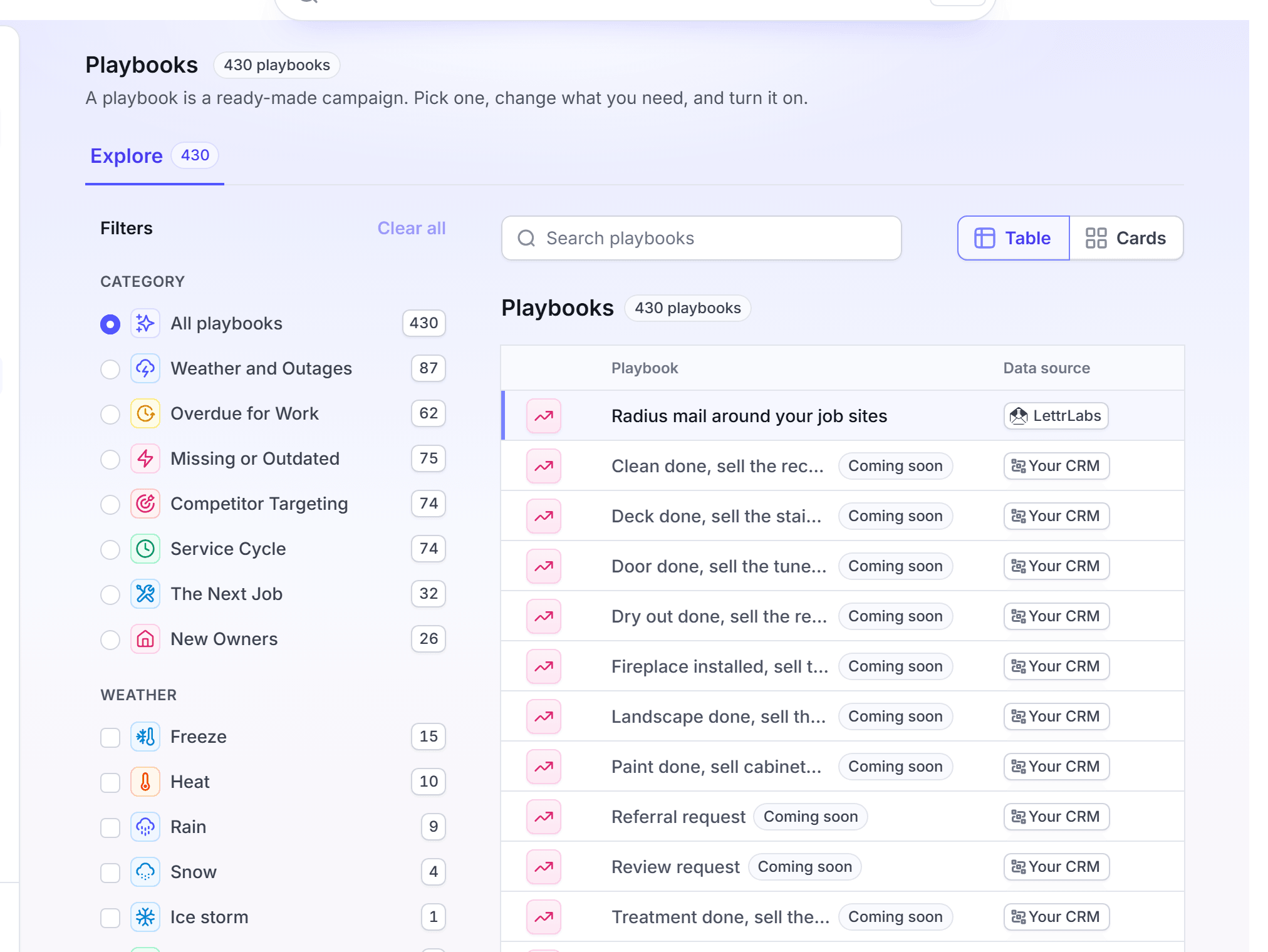
In the left navigation, under Mail, click Playbooks.
Click the Explore tab.
Optional: Filter the list, or enter a name in the search field.
Click a playbook. Its details show beside the list.
Click Use this playbook. Send Mail opens with the playbook picked.
You're done when Send Mail opens at the Audience step. Nothing is charged until you turn the campaign on.
Launch a partner playbook shared with you
Do this when your partner program shares a playbook with your account. The playbook sets most of the campaign. You pick the template and the area.
In the left navigation, under Mail, click Playbooks. The My Playbooks tab opens.
Optional: Filter the playbooks by Strategy or Use case, or enter a name in Search.
On the card of the playbook, click Select. A dialog opens with the name of the playbook.
Click Recommended for the templates that fit the playbook, or My Templates for your own.
Click a template. Then click Launch playbook.
For a shared template, fill in your details in Make this template yours, then confirm.
Send Mail opens with the playbook. Pick the location, and finish each step that is open.
Click Turn it on.
A value that the playbook locks shows "Set by the playbook". You cannot change it. A value with limits shows the range that the playbook allows.
If you have no template that fits, click Create Template, or launch the playbook and make one on the Creative step. The picker does not offer a template with custom fields or variable images.
You're done when the message "Your automation is on" shows. The campaign shows on the Automations tab of Campaigns.
FAQ
Related
Automated campaigns
Add touches, set the budget and edit an automation.
Partner programs
Join a partner program that shares playbooks with you.
Templates
Make the card design that a campaign mails.
Steps checked 2026-11-16.