Connect AI assistants
Use LettrLabs from Claude, ChatGPT and other AI assistants, and ask about your mail in a chat.
Overview
You can connect your LettrLabs account to an AI assistant. Then you can ask the assistant about your campaigns, orders and results in a chat.
You can use an AI assistant with LettrLabs to:
- Ask about your orders and their status.
- Read the results of a campaign.
- See which automated campaigns are on.
- Ask for the price of an order before you place it.
Choose your assistant
Each assistant has its own page with the steps.
Claude
Add LettrLabs to Claude as a connector.
ChatGPT
Add LettrLabs to ChatGPT in Developer mode.
Other AI assistants
Claude Code, Cursor and other assistants.
How the connection works
Each assistant connects to LettrLabs the same way. You add the LettrLabs connector one time.
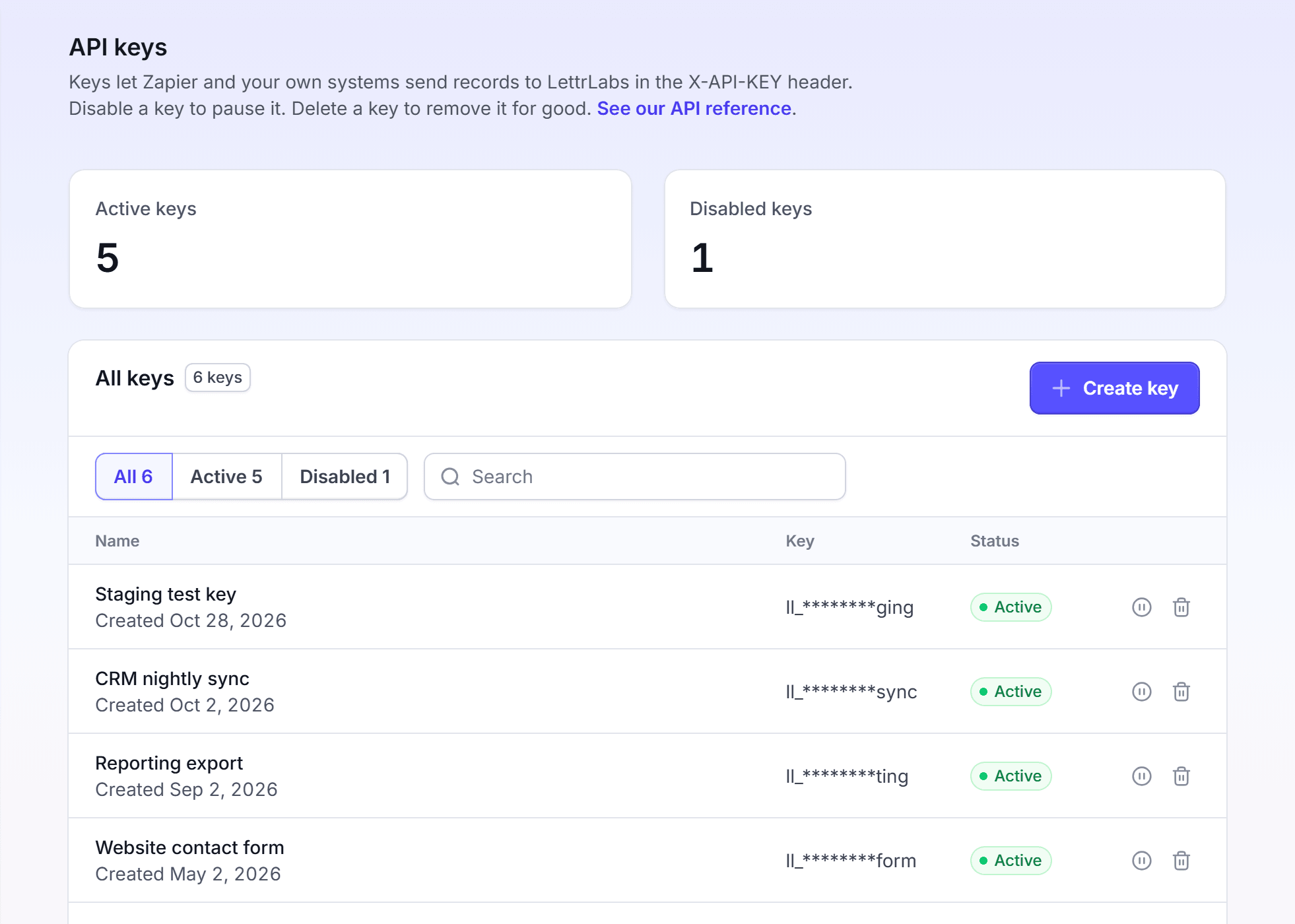
- You make a LettrLabs key in Integrations > API keys.
- You add the LettrLabs connector in your assistant. The assistant opens the LettrLabs sign-in page.
- You paste the key on the LettrLabs sign-in page. The assistant uses that key from then on.
The key belongs to your LettrLabs account. When you disable or delete the key, the assistant loses its access.
What an assistant can change
An assistant reads your account when you ask a question. It can also place an order and charge your account.
Make one key for each assistant. Then you can stop one assistant and keep the others.
FAQ
Related
Steps checked 2026-11-09.