Native integrations
Connect the CRM and store tools that LettrLabs reads for you.
Overview
A native integration connects LettrLabs to a CRM or a store tool. LettrLabs then reads your customers, jobs and orders from that tool. LettrLabs reads from the tool. It never writes to the tool.
You can use a native integration to:
- Mail your customers when the tool records a job, a sale or a new contact.
- Mail the homes near each job.
- Count the sales that your mail brought in.
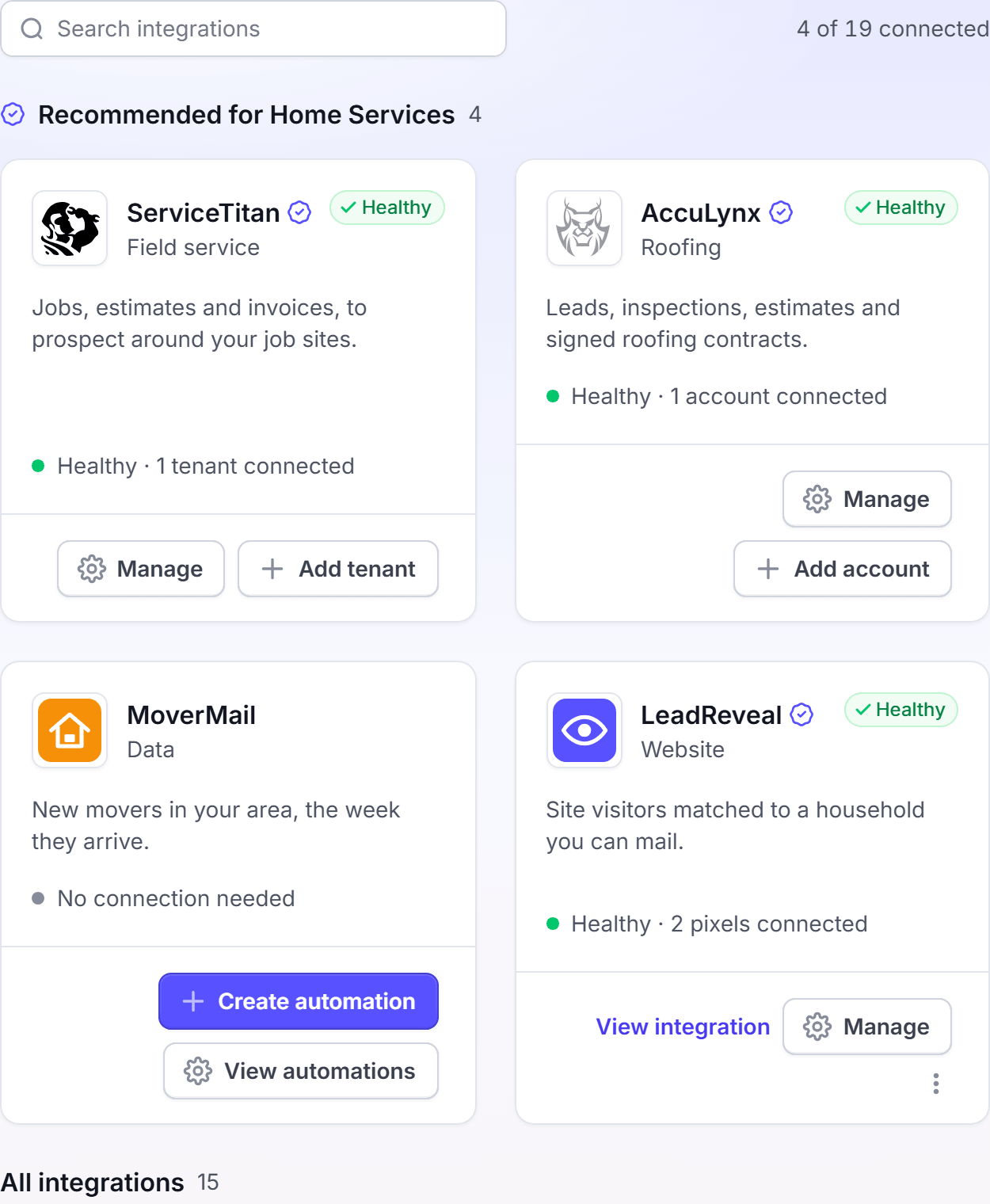
The native integrations
The table lists each native integration, what you need to connect it, and the plan it needs.
| Integration | You need | Plan to connect | Plan to mail from it |
|---|---|---|---|
| ServiceTitan | Your ServiceTitan app credentials | Core | Core |
| AccuLynx | A key from your AccuLynx account | Core | Core |
| Salesforce | A Salesforce account, and the Client ID and Client Secret of your Salesforce app | Core | Core |
| Klaviyo | A Klaviyo account | Any plan | Core |
| Shopify | A Shopify store | Any plan for the first store. Core for each store after it. | Core |
Zapier and webhooks also send records to LettrLabs. They work in a different way, so each one has its own page.
How a native integration reads your data
- You connect the tool one time, in Integrations > Integrations.
- LettrLabs reads ServiceTitan, AccuLynx and Salesforce once a day. You cannot change the sync time.
- Klaviyo and Shopify do not use the daily sync. Their connection details show On change as the next sync.
- LettrLabs never writes to the tool. Your data in the tool does not change.
The My integrations tab shows the health of each connection: Healthy, Needs attention, Stopped, Syncing or Setting up. See How integrations work.
FAQ
Related
How integrations work
Keep your connections healthy.
CRM and store customers
Mail the customers your tools record.
Zapier
Send records from thousands of apps.
Steps checked 2026-11-16.