Klaviyo
Connect Klaviyo so LettrLabs can mail the people in your Klaviyo segments.
Overview
Connect your Klaviyo account to LettrLabs, and LettrLabs can mail the profiles in your Klaviyo segments. You sign in to Klaviyo to allow the connection, so you do not copy a key. LettrLabs reads from Klaviyo. It never writes to Klaviyo.
You can use the Klaviyo connection to:
- Mail the people in a Klaviyo segment.
- Add a postcard or a letter to your email and SMS campaigns.
- Read your mail results beside your Klaviyo engagement.
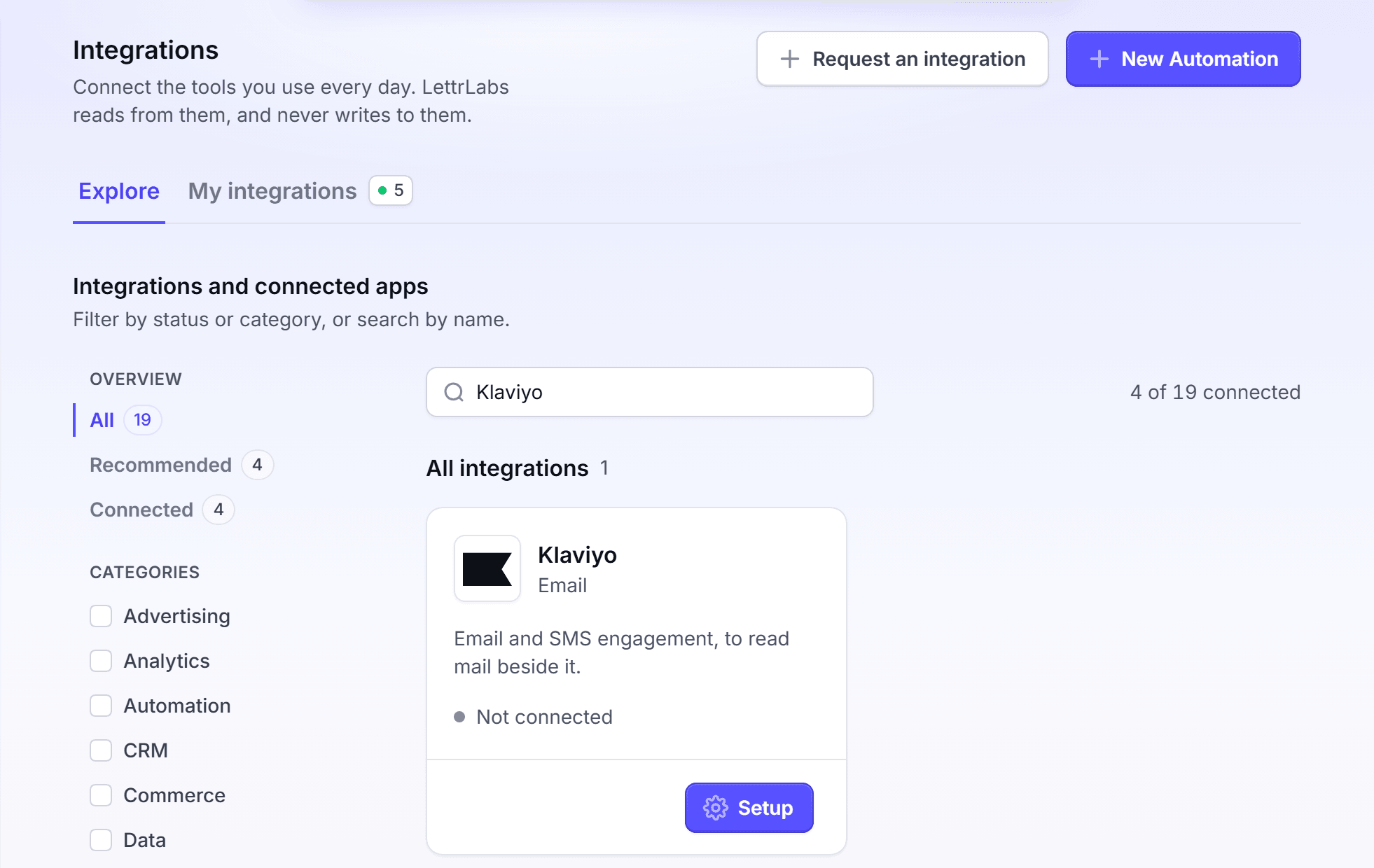
Connect Klaviyo
Connect Klaviyo once, before you create a Klaviyo automation. An account can connect one Klaviyo account. Any plan can connect Klaviyo. A Klaviyo automation needs the Core plan or higher.
Click Integrations > Integrations. The Explore tab opens.
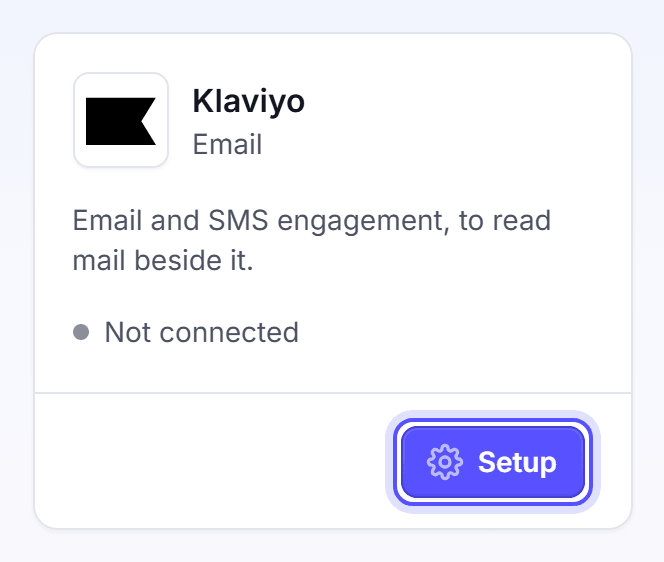
On the Klaviyo card, click Setup. The page shows "Setting up Klaviyo...", then the Klaviyo sign-in page opens.
Sign in to Klaviyo, and allow access for LettrLabs. Klaviyo sends you back to LettrLabs.
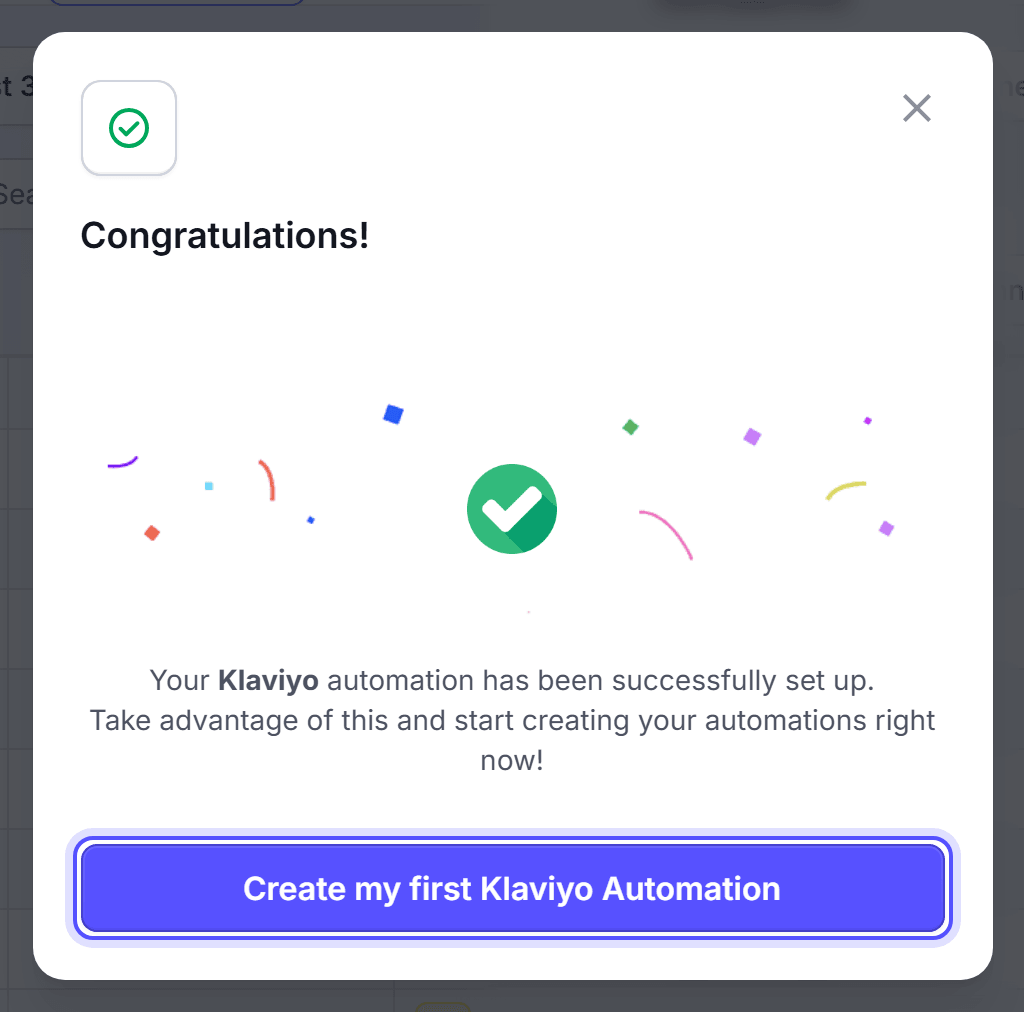
Wait while LettrLabs completes the setup. The Automations tab of Campaigns opens, with the Congratulations! dialog.
You're done when the Klaviyo card on the Explore tab reads Healthy, and My integrations lists a Klaviyo row. Klaviyo does not use the daily sync. Its connection details show On change as the next sync.
Create your first Klaviyo automation
The Congratulations! dialog lets you start a Klaviyo automation right away. You can also start one later from Campaigns.
In the Congratulations! dialog, click Create my first Klaviyo Automation.
In Automation Name, enter a name.
Click Create Automation. The automation builder opens with Klaviyo as its source.
You're done when the automation builder opens. To finish the automation, see CRM and store customers.
Disconnect Klaviyo
Disconnect Klaviyo when you stop using it, or before you connect a different Klaviyo account.
Click Integrations > Integrations.
On the Klaviyo card, click Revoke.
In the Are you sure you want to revoke your Klaviyo setup? dialog, click Revoke.
You're done when the Klaviyo card shows the Setup button again. You can also delete the Klaviyo row on My integrations.
FAQ
Related
CRM and store customers
Mail the people in your Klaviyo segments.
How integrations work
Keep your connections healthy.
Native integrations
Compare the tools that LettrLabs reads.
Steps checked 2026-11-10.