Fundraise Up
Send Fundraise Up donations and supporters to LettrLabs with Zapier.
Overview
Fundraise Up connects to LettrLabs with Zapier. A Zap reads each new donation or supporter, and LettrLabs mails the donor, for example a thank-you card.
Use Zapier for Fundraise Up. Fundraise Up can send a JSON webhook to a URL that you choose, but it cannot add the X-API-KEY header. It signs each call with its own secret, and LettrLabs checks only a secret that LettrLabs made. So a LettrLabs webhook would have to accept calls with no protection.
Before you begin
- A Fundraise Up admin, to connect Fundraise Up in Zapier.
- A Zapier account.
Send Fundraise Up records with Zapier
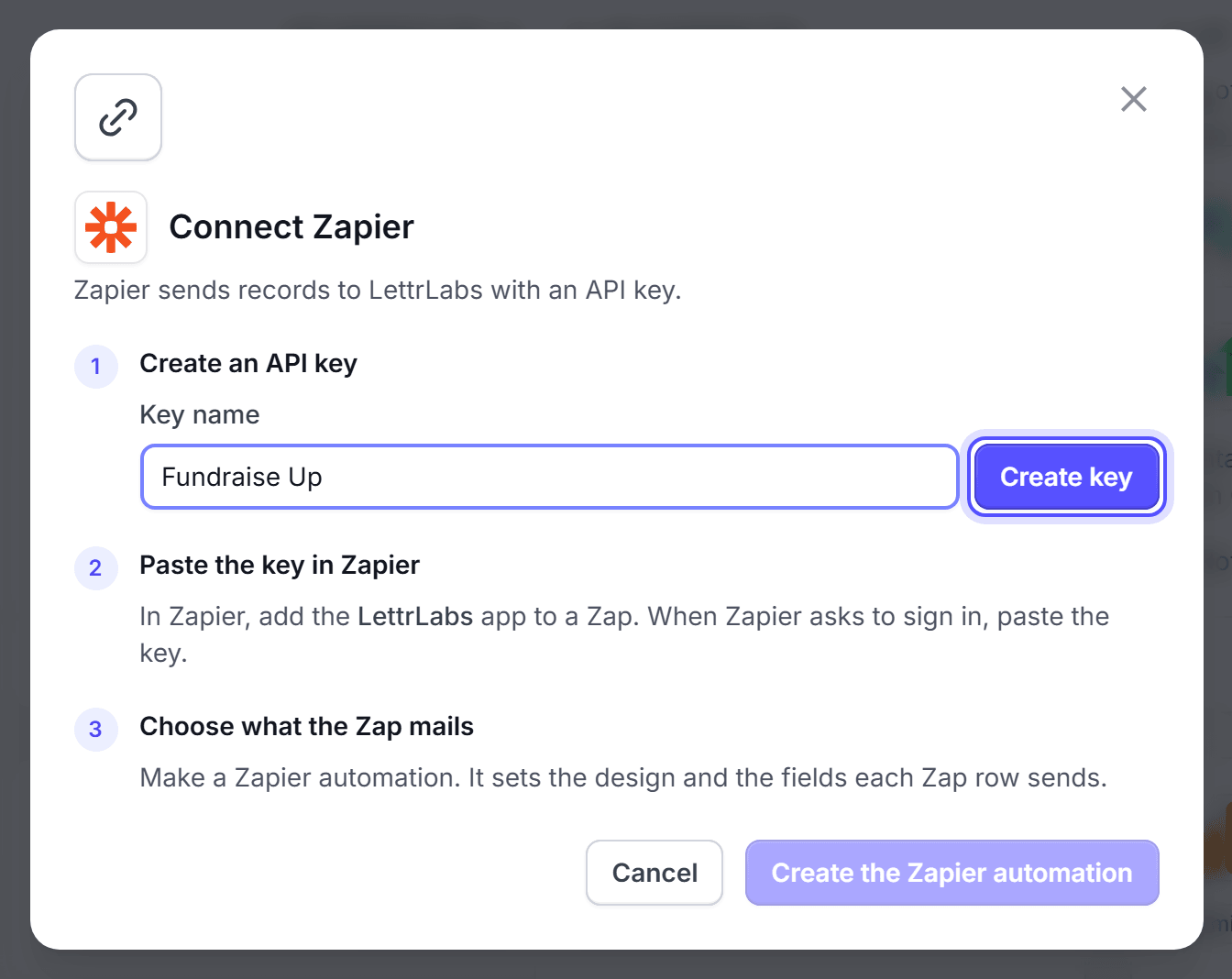
Connect Zapier to LettrLabs. See Connect Zapier.
In Zapier, start a Zap with Fundraise Up as the trigger app, and sign in to Fundraise Up.
Pick the trigger, for example New Donation or New Supporter.
Add the LettrLabs app as the action. Pick your Zapier campaign, and map the name and address fields.
Test the Zap, then publish it.
You're done when the test record shows in your Zapier campaign in LettrLabs.
FAQ
Related
CRM recipes
Compare the recipes of each CRM.
Zapier
Connect Zapier to LettrLabs.
CRM and store customers
Build the campaign that mails each record.
Steps checked 2026-11-10.