Zoho CRM
Send Zoho CRM leads, deals and contacts to LettrLabs with Zapier.
Overview
Zoho CRM connects to LettrLabs with Zapier. A Zap reads each new or changed lead, deal or contact, and LettrLabs mails the person, or the homes near the address.
A Zoho CRM webhook sends its body as form data. A LettrLabs webhook reads a JSON body only, so it cannot read the fields of a Zoho webhook. Use Zapier.
Before you begin
- A Zoho CRM account that can connect apps in Zapier.
- A Zapier account.
Send Zoho CRM records with Zapier
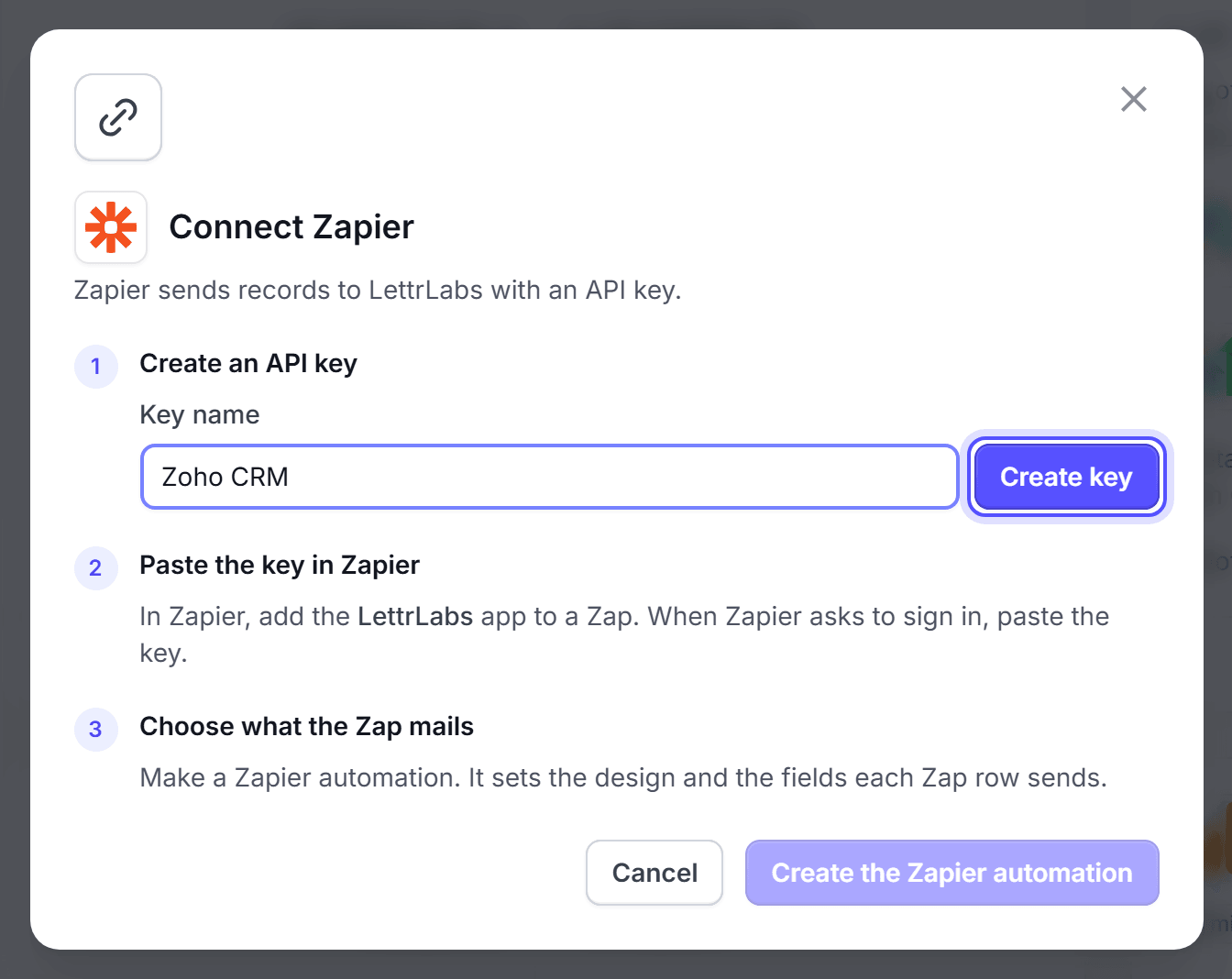
Connect Zapier to LettrLabs. See Connect Zapier.
In Zapier, start a Zap with Zoho CRM as the trigger app, and sign in to Zoho.
Pick the trigger. New/Updated Module Entry (Instant) works on a paid Zoho CRM plan. New Lead and New Contact work on each plan, with a short delay.
Add the LettrLabs app as the action. Pick your Zapier campaign, and map the name and address fields.
Test the Zap, then publish it.
You're done when the test record shows in your Zapier campaign in LettrLabs.
FAQ
Related
CRM recipes
Compare the recipes of each CRM.
Zapier
Connect Zapier to LettrLabs.
CRM and store customers
Build the campaign that mails each record.
Steps checked 2026-11-10.