Send WeGive donors and gifts to LettrLabs with a WeGive journey or with Zapier.
Overview
WeGive can send a new donor or a new gift to LettrLabs when a WeGive journey runs. LettrLabs then mails the donor, for example a thank-you card.
You can send WeGive records in two ways:
- A Webhook step in a WeGive journey sends each record to a LettrLabs webhook. This costs no Zapier tasks, so it suits a high volume of gifts.
- A Zap reads WeGive and sends each record to LettrLabs.
Before you begin
- Access to Communications > Journeys in WeGive.
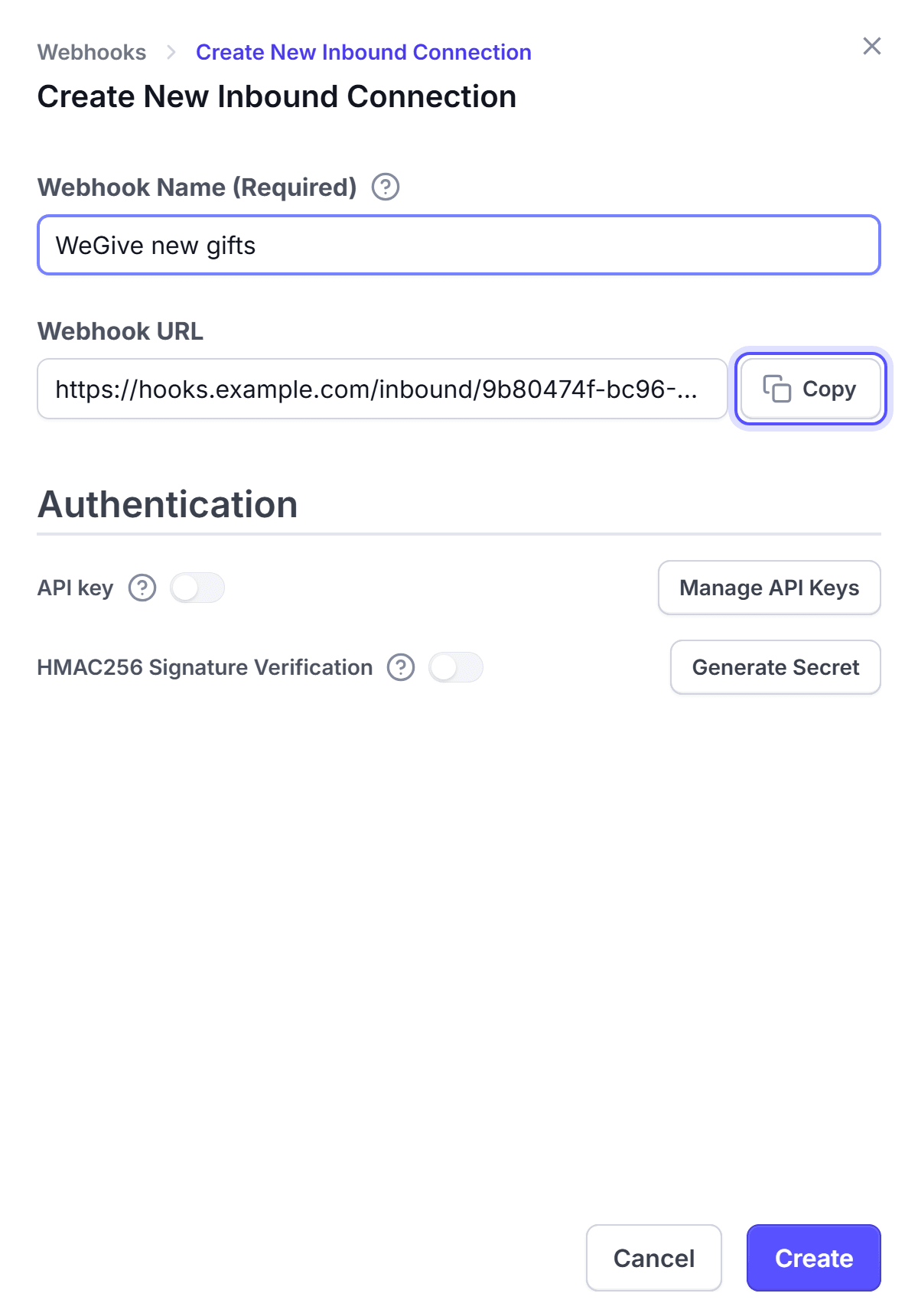
- A LettrLabs webhook with an API key. See The LettrLabs part of each recipe.
Send WeGive records with a journey
In WeGive, go to Communications > Journeys, and create a journey.
Choose the trigger event, for example New Donor or New Transaction.
Set the event rule groups. Put each filter on an amount here, for example gifts over a value.
In Advanced, choose Webhook. Set the destination URL to the LettrLabs webhook URL, and the content type to JSON.
Under Headers, add X-API-KEY with your LettrLabs API key.
In the request body, build one JSON object. Type @ to insert each WeGive variable, for example:
{
  "first_name": "{{donor_first_name}}",
  "last_name": "{{donor_last_name}}",
  "address": "{{donor_mailing_address}}",
  "amount": "{{transaction_amount}}",
  "frequency": "{{transaction_frequency}}"
}
Click Format JSON to check the body. Then send one test gift.
You're done when the test record shows on the History tab of the Inbound webhooks page. Then make the campaign, and set the webhook to Active.
WeGive sends the mailing address as one line. Match it to Full Address in the campaign. See Fields and filters.
Send WeGive records with Zapier
In WeGive, go to Settings, and open the API tab. Click Create New API Key, and copy the key. WeGive shows the key one time.
In Zapier, connect WeGive with that key and your organization ID.
Connect Zapier to LettrLabs. See Connect Zapier.
Start a Zap with the WeGive trigger for a new donor or a new gift.
Add the LettrLabs app as the action. Pick your Zapier campaign, and map the name and address fields.
Test the Zap, then publish it.
You're done when the test record shows in your Zapier campaign in LettrLabs.
FAQ
Related
CRM recipes
Compare the recipes of each CRM.
Fields and filters
Match the WeGive fields to the mail fields.
Zapier
Connect Zapier to LettrLabs.
Steps checked 2026-11-10.