Webhooks
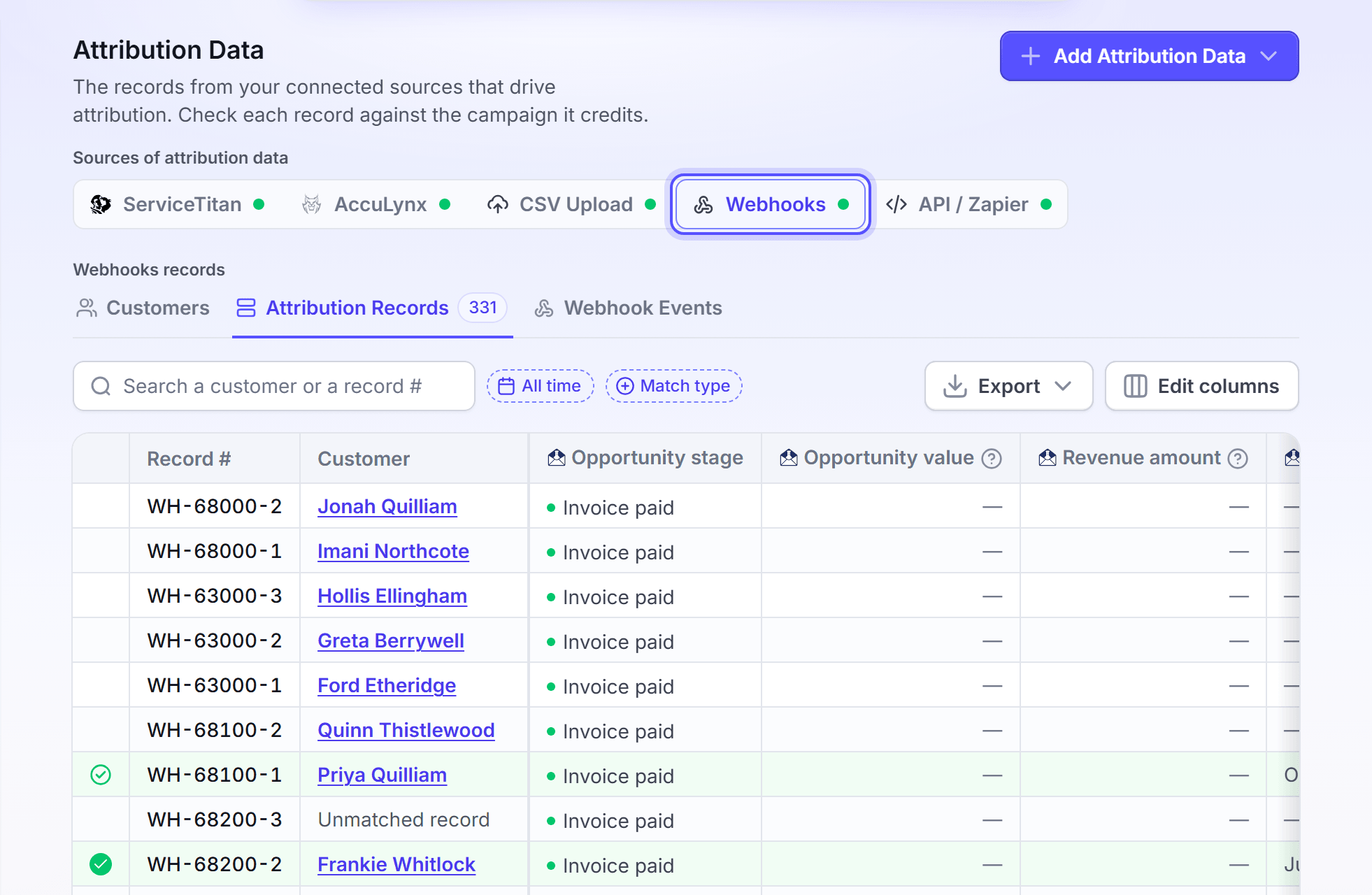
Count a sale or a lead that a webhook sends. This is not available in the app yet.
Overview
An attribution webhook would take each sale or lead that your CRM sends, and count it in attribution.
The action that turns a webhook record into a sale or a lead is not available in the app yet. No page in the app lets you set it up today. A webhook in the app can mail the people it receives. It cannot count them as sales.
Today, you can give LettrLabs your sales in these ways:
- Upload a CSV of your sales.
- Send your sales by the API from your own system.
- Send your sales with Zapier, with the Send Purchase Event action.
- Connect an integration that sends your jobs and sales.
Send your sales today
Use the API when your CRM can send a JSON list with the X-API-KEY header, but has no integration. If your CRM is in Zapier, use Zapier. Otherwise, upload a CSV.
In the left navigation, under Integrations, click API keys. Create a key for your CRM.
In Attribution Data, click Add Attribution Data, then click Configure API.
Give the example call of the Send by the API drawer to the person who sets up your CRM.
You're done when your sales show as batches on the CSV Uploads tab. See Send by the API.
FAQ
Related
Send by the API
Send your sales from your own system today.
Upload a CSV
Upload a file of your sales or leads.
Webhooks
What a webhook can do today.
Steps checked 2026-11-16.